If you own a Juicebox EV charger and your Enel X Way app stopped working, this is what you need to do.
Table of contents
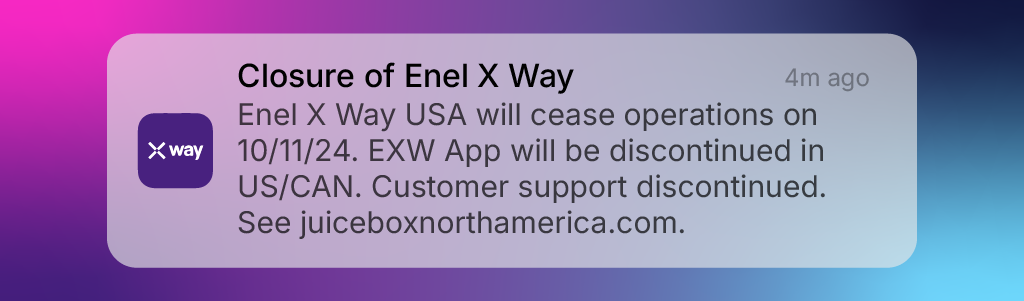
Enel X announced that all residential and commercial JuiceBox chargers in the US and Canada will lose their functionalities on October 11.
Enel X says Juicebox home chargers will function for basic charging, so you can continue using them. However, all software support is ending—no more updates or apps, meaning smart features like charge scheduling won’t work.
Commercial stations will face bigger issues, losing functionality without software continuity.
The company blames low interest in e-mobility in North America and will shift focus to their operations in Europe (where they are originally from).
For all the inquiries contact juiceboxnorthamerica.com.
Enel X Way Alternative
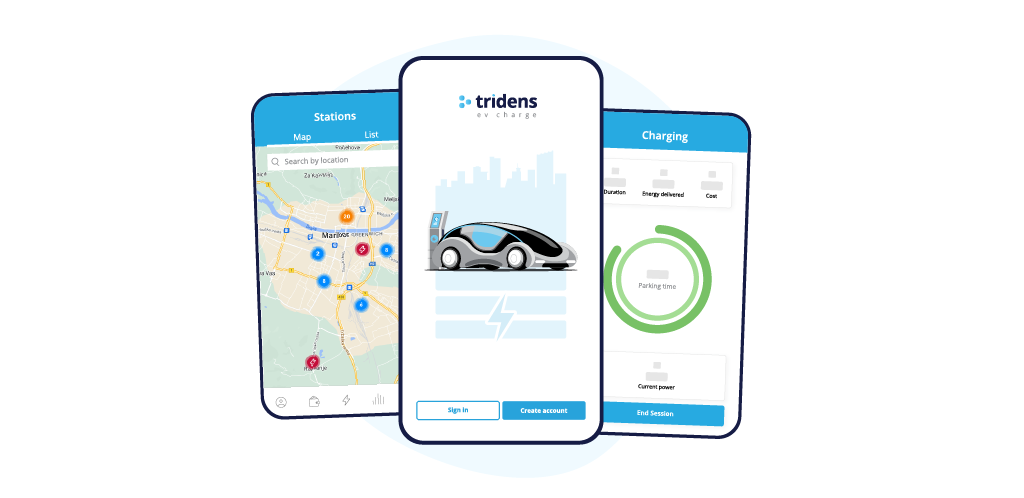
Since you’re looking for an Enel X Way alternative, we offer a hardware-agnostic software platform for managing your EV charger.
Tridens EV Charge provides enterprise-level solutions similar to those offered by other leading platforms in the industry.
How to Migrate from Enel X Way?
While migration can be complex, and certain functionality may be limited by firmware, migrating to Tridens EV Charge offers site hosts the chance to continue offering charging operations smoothly and efficiently.
Get started immediately and enjoy a hassle-free EV charging experience at home with our FREE web app for residential customers.
This is what you need to do:
1. Create a new account
Create a new account in Tridens EV Charge.
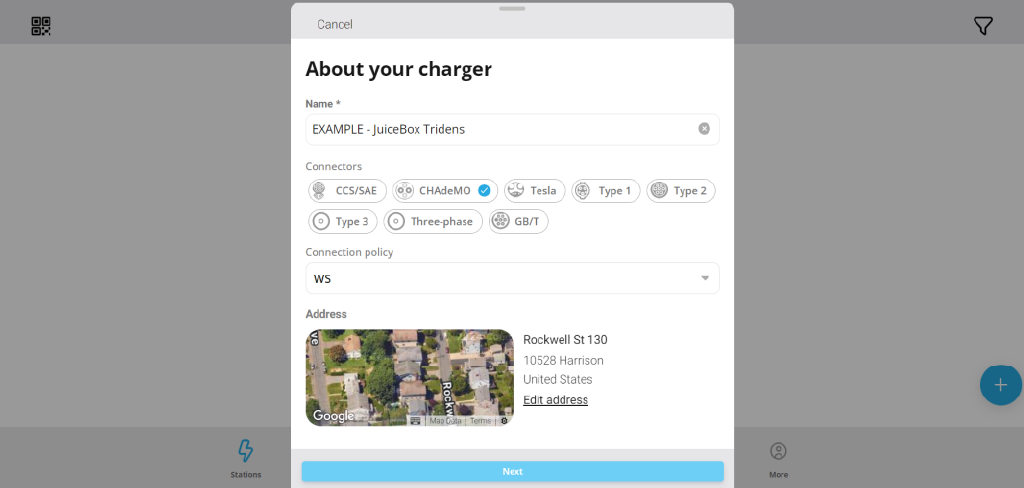
Add your home JuiceBox charger:
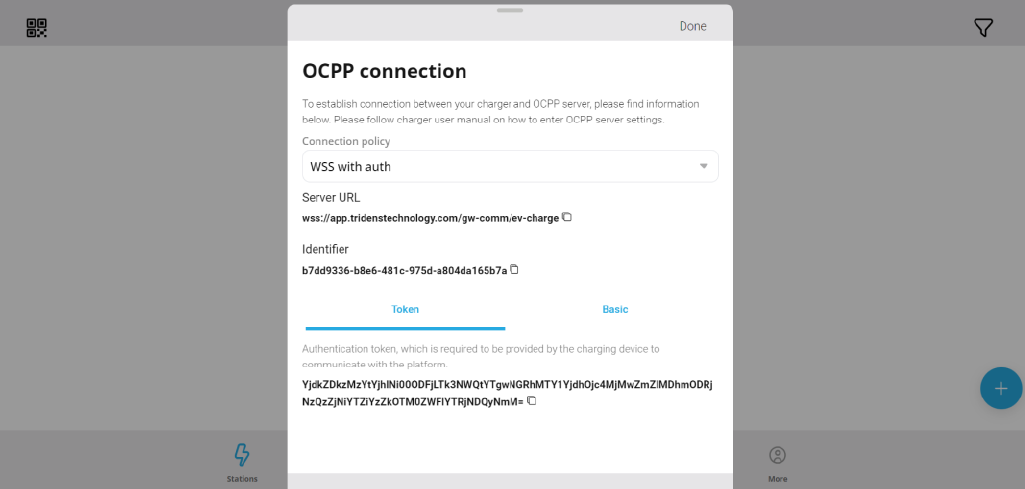
Copy charger identifier to clipboard:
2. Connect to the charge point
Plug in the charge point.
Connect your phone or computer to the charge point’s WiFi hotspot named JuiceBox-###.
3. Login to the user interface
Enter the default password provided by Enel X.
3. Adjust connectivity settings
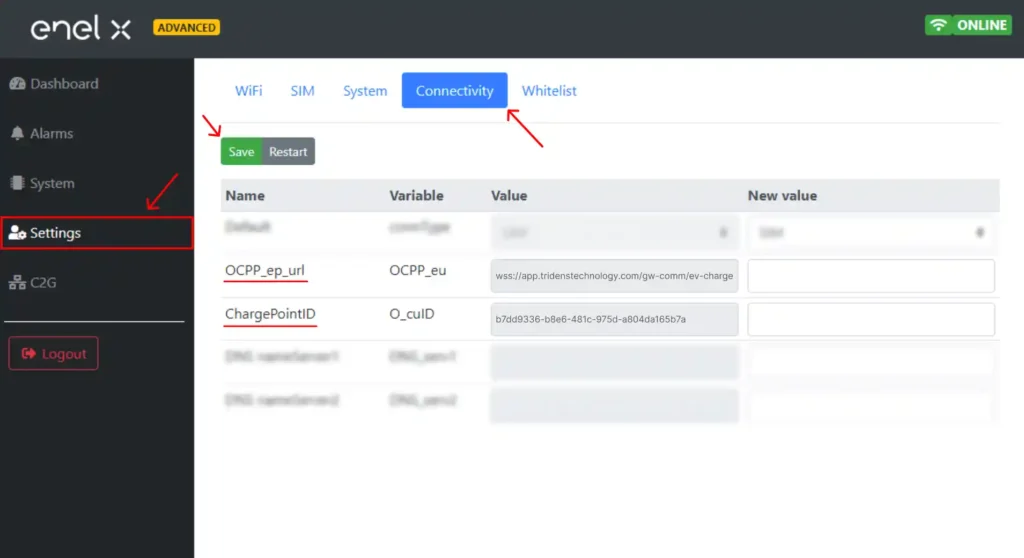
Go to “Settings” on the left menu, then click “Connectivity”.
Set OCPP_ep_url to: ws://app.tridenstechnology.com/gw-comm/ev-charge or wss://app.tridenstechnology.com/gw-comm/ev-charge
Set ChargePointID to the identifier provided by Tridens EV Charge.
Click “Save”.
4. Connect to your Tridens account
Refresh the page and check your charge point’s connectivity status to ensure it works.
5. Final steps
If the connectivity status shows “Connected”, your charge point setup is complete.
Now, you can now start monitoring and managing your charge point through your Tridens account.
For questions: support@tridenstechnology.com
Why Migrate to Tridens EV Charge?
By migrating to Tridens EV Charge, you choose a reliable, future-proof partner that adapts to your evolving needs.
Businesses and commercial charger site hosts using Enel X Way should talk to us immediately for network migration discussions.