Sessions
Topics in this document:
To access this section, from the EV Charge - Mobile App, click Sessions.
Under Sessions, there are two sections, namely:
Charging session history
This section shows the charging session history of the customer. Each session includes the charger, duration, date-time, quantity (kWh), price per unit, and amount.
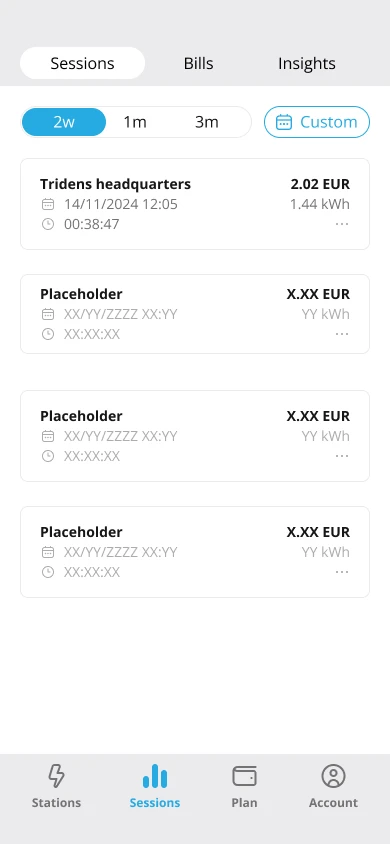
Figure 1: Charging session history
Click on the individual charging session to view a complete detail of each session.

Figure 2: Individual session history
Filter session history
To filter the charging session history based on a certain period, from Figure 1 [charging session history], click Period. Then, configure the beginning and end period, and click Save. This will only show the charging session history for that period. For instance, showing the session history from May 1, 2023 - May 31, 2023.
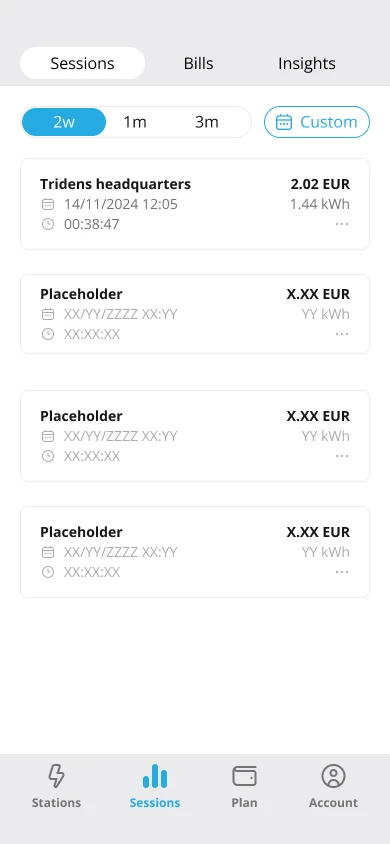
Figure 3: Filter session history
Customer bills
This section shows the history of the customer’s bills which can be obtained from previous charging sessions, the purchase of a product, or the customer’s billing cycle shifting to the next cycle.
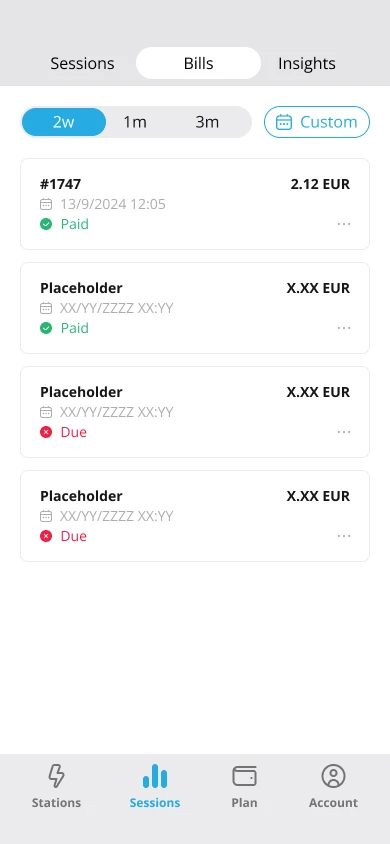
Figure 4: Customer bills
Note:
The bills obtained as a result of the customer’s billing cycle shifting pertains to a customer with a postpaid payment type.From Figure 4, to view the invoice of a bill, click View invoice. To save the invoice as a PDF, click Save as PDF.
Information:
The design of the invoice is configurable in Monetization. For more information, see Document templates.Filter customer bills
To filter the customer’s bills based on a certain period, from Figure 4 [customer bills], click Period. Then, configure the beginning and end period, and click Save. This will only show the customer’s bills for that period. For instance, showing the customer’s bills from March 1, 2022 - May 31, 2023.
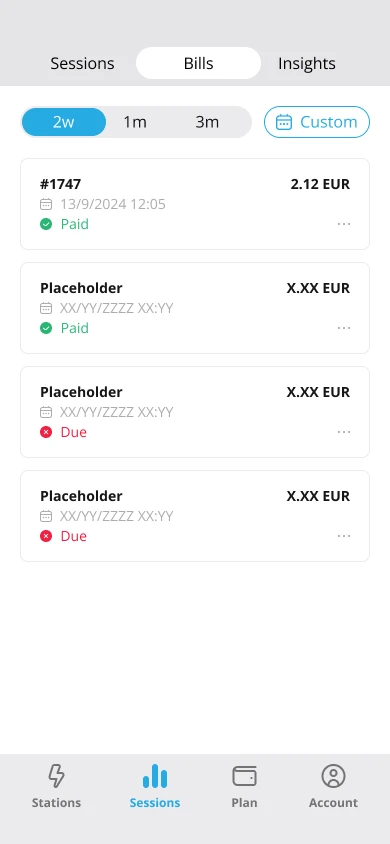
Figure 5: Filter customer bills


